What's Fresh?
News
2 April 2026
Inbox Activity Reports are now available for Social Inbox 2.1 users
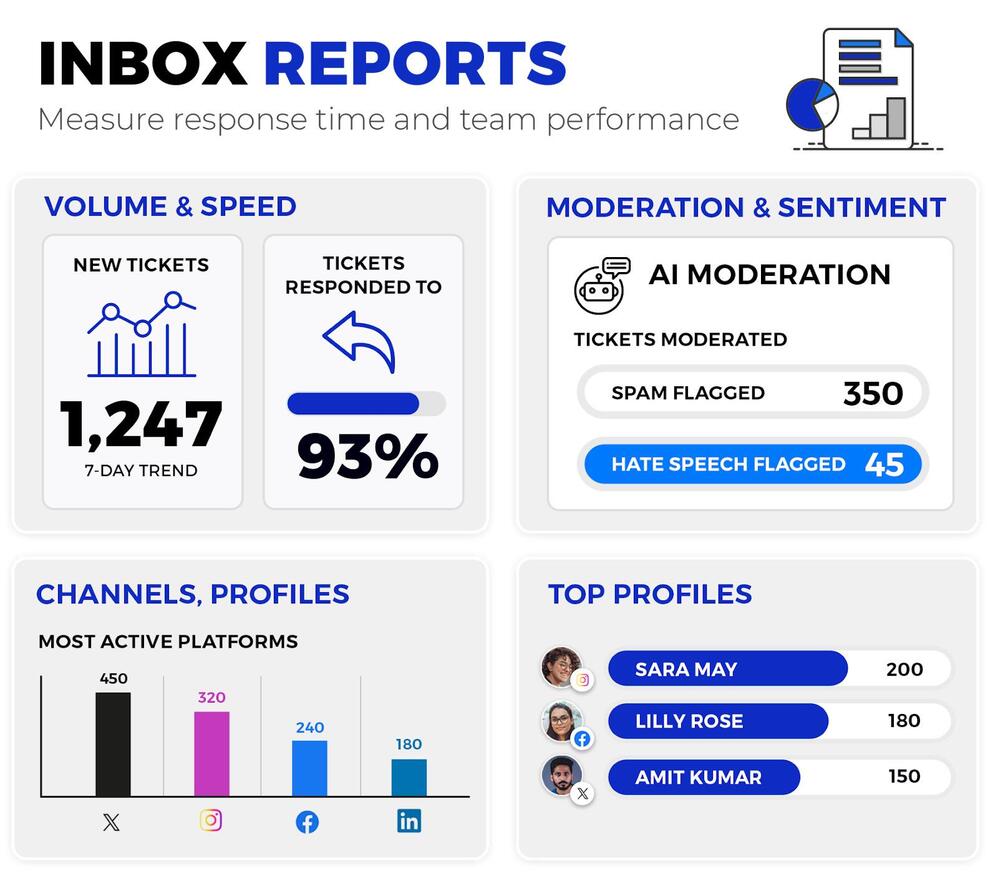
Inbox Activity Reports are now available for Social Inbox 2.1 users. Use them to track team performance and moderation efficiency across your social channels.
📊 Profile-level breakdown: See total ticket volume by type — comments, DMs, ad comments, visitor posts — alongside response rates, reaction time data, and a full breakdown of moderator actions per profile. Also includes separate columns for AI and Auto-moderation actions, so you can see how much of the workload is handled automatically.
👤 Per-moderator stats Track each moderator’s average and median reaction time, total tickets handled, replies by type, and full action history. Clear data for performance reviews and workload management.
🏷️ Tag and sentiment overview: See how many messages were tagged with each Inbox tag, with sentiment breakdown for both manual and AI-assigned tags. Useful for spotting recurring topics and trends over time.
📁 Raw message export: A full message-level log with content, type, author, date, sentiment, tags, and moderator reply data. Useful for auditing specific interactions or exporting data for compliance purposes.
To generate a report, simply click on the “Create report” icon in the Social Inbox