
Spend less time fighting the Excel sheet, and create professionally designed, in-depth social media reports that will help improve your performance (and impress your boss or client).
Social Media
Reporting Tool
Trusted by:




Create social media reports
in under one minute for:




Go with the data,
not just the hunches
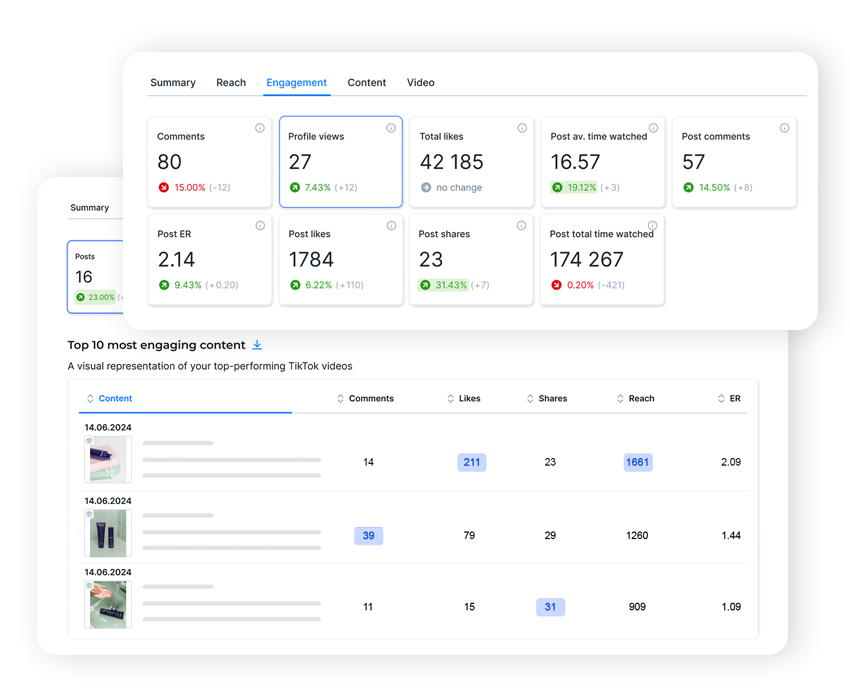
Your social media analytics tools usually won’t tell you much on their own. Track key metrics over time in one place to get the bigger picture, better understand your target audience, spot growth patterns, and make better budgeting decisions.
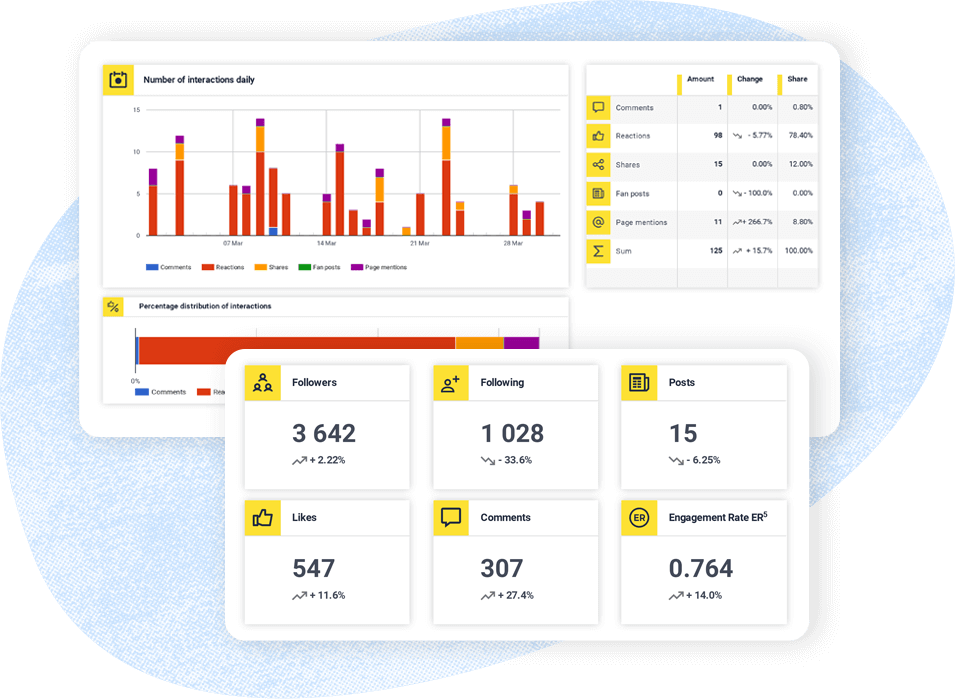
- Report on the social media metrics that actually matter for you or your client, including engagement, reach, follower growth, top content, and more.
- Break them down into easy-to-understand data snapshots you’re confident talking about.
- Then turn them into helpful recommendations that’ll consistently grow your social media presence – and your business.
Make social media reporting as easy as it gets
Automate and schedule your reports so you don’t have to go through the process manually every single week or month.
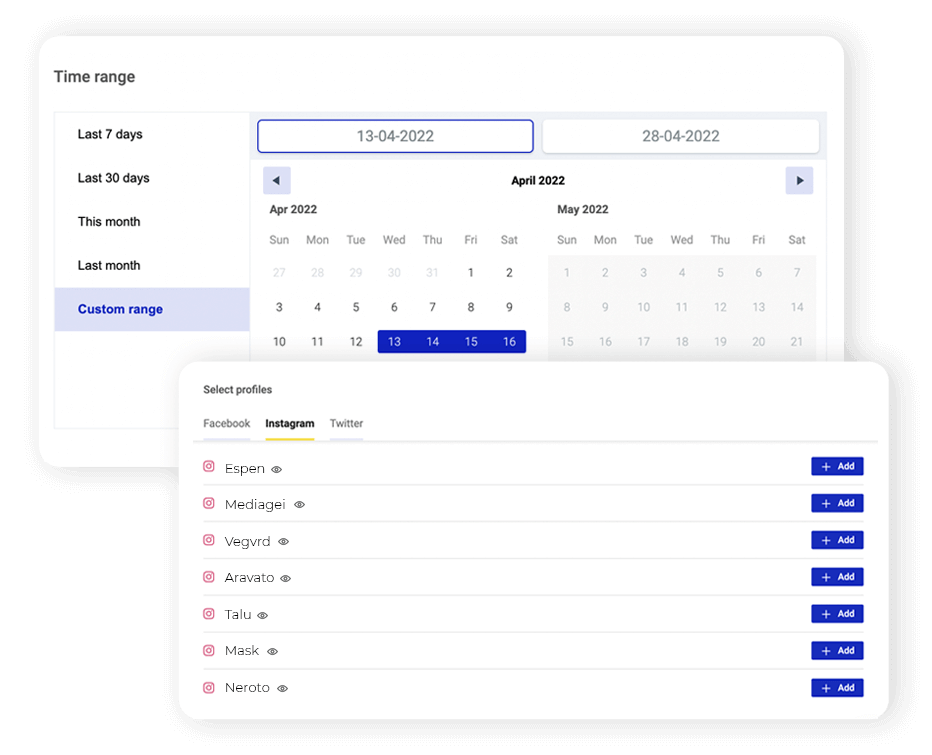
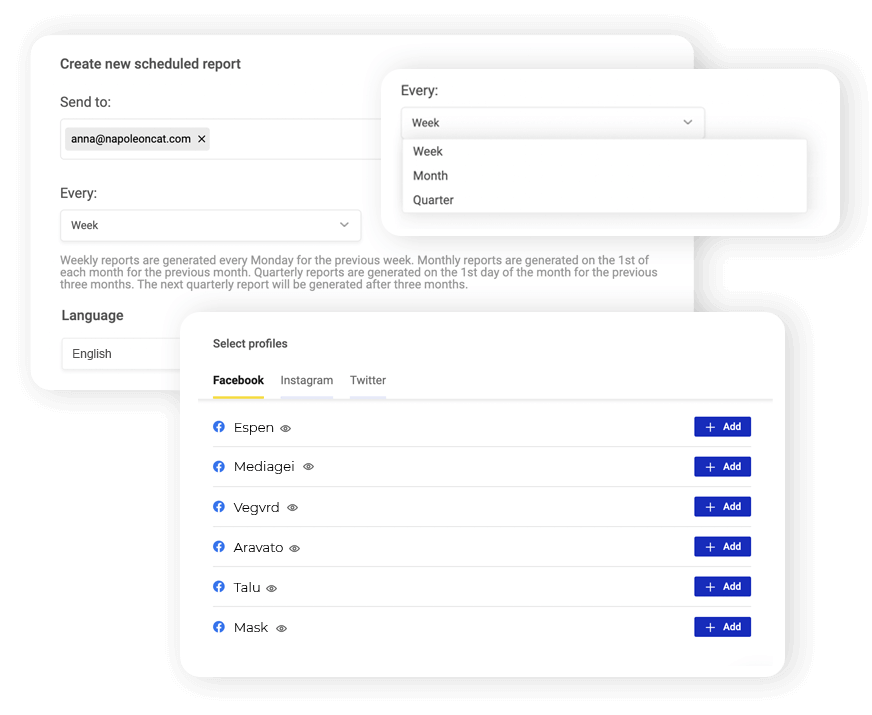
- Choose between quarterly, monthly, or weekly social media reports – or simply select a custom time range.
- Schedule and automatically send the report to selected people on the client-side or your own team.
- Download a professionally designed, branded PDF for your client, for the data crunching geek in you (or in your team).
Keep improving your customer service
(based on data)
What happens in the Social Inbox… stays in the Social Inbox. Or you could easily monitor your interactions over time with actionable reports that’ll help you keep your customers happy with the service they’re getting.
- Generate inbox activity reports to monitor your team’s performance.
- Measure social media moderation stats on your profiles, including reaction volume and response times.
- Highlight the best-performing team members and help pinpoint and resolve customer service issues with your team.
Report on your competitors’ moves
Want to know how you compare with your competitors? Easy! Track their social media performance effortlessly, while continuing to improve yours.
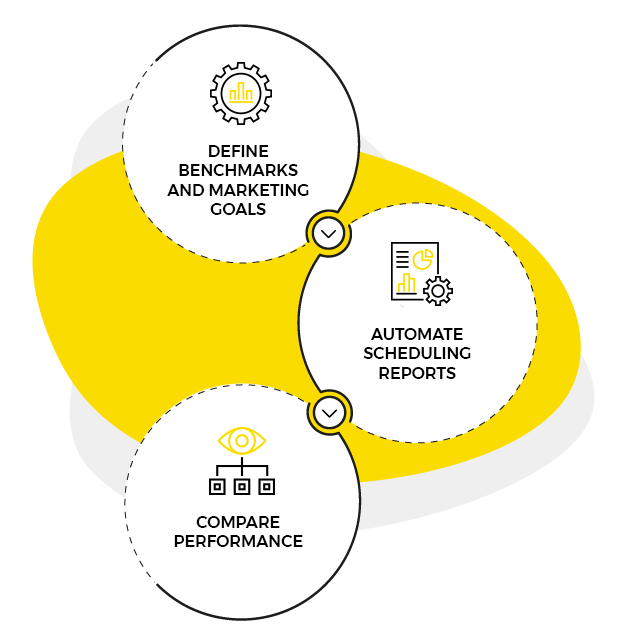
- Include all the relevant metrics for competitor reports to define benchmarks and, ultimately, the marketing goals you want to achieve.
- Automate and schedule sending reports to *literally always* keep up with your competition.
- Have ready-made performance snapshots to compare for your client presentations and quarterly team reviews.
Top rated social media marketing software




Here’s how to create a social media report in minutes:
Keep all your social media tools
in one toolbox
- Track and respond to all your social media conversations from one Social Inbox
- Automate social media publishing in a shared content calendar
- Streamline your customer service workflows to make moderation a breeze
- Get all the data you need to make your decisions with a robust social media analytics tool
And in case you were wondering…
Which social media profiles can I report on?
You can create social media reports for Facebook, Instagram, LinkedIn, TikTok, and YouTube.
Your social media reports can include the social media channels of:
- your business;
- your client’s;
- your competitors’ profiles (available for Facebook, Instagram, and YouTube);
- other industry benchmarks (available for Facebook, Instagram, and YouTube).
What types of social media reports can I create?
You can create social media marketing performance reports, including:
- Weekly social media reports
- Monthly social media reports
- Quarterly social media reports
- Custom reports at a selected time interval
You can also report on your customer service performance with the Social Inbox activity reports.
What metrics can I include in my social media report?
Depending on the network, there are more than twenty metrics you can include in your social media report, such as:
- Followers by country and city
- Follower distribution by age and gender
- Daily engagement rate
- Daily interactions
- Follower growth
- Daily profile views
- Engagement by post type
- Engagement rate by hour
- Top used hashtags
- Engagement by the number of hashtags
- Top liked posts
- Top engaging posts
- Top viewed Instagram Stories
- And more.
To see all the social media metrics you’ll be able to include for your social media reporting purposes, we recommend trying NapoleonCat for free for 14 days and creating a sample report yourself.
Can I customize my social media reports?
Yes, you can! You can customize:
- The visual branding
- The time frame
- The social media profiles included
- The metrics included
- The language of your social media report.
And you can always edit your scheduled reports to add even more relevant metr
Send reports that build themselves
Free 14-day trial: full access, zero commitment.
No credit card required