
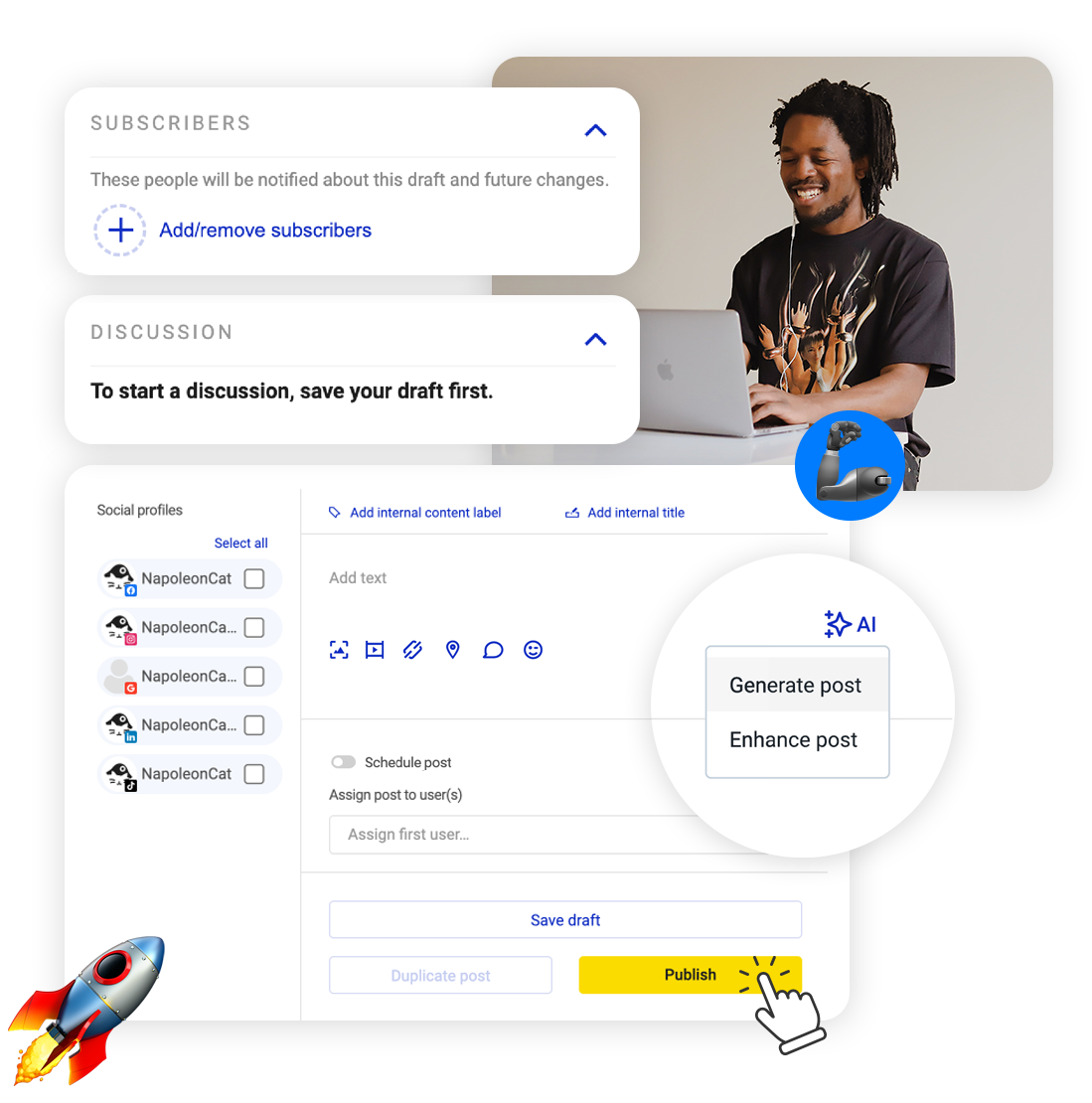
Can you schedule TikTok posts from a computer? You can. Upload the video, write the caption, pick the day and the time, and it publishes itself while you get on with something else.
Schedule TikTok Posts – Line Up Your Videos in Advance
Trusted by:




Supported platforms








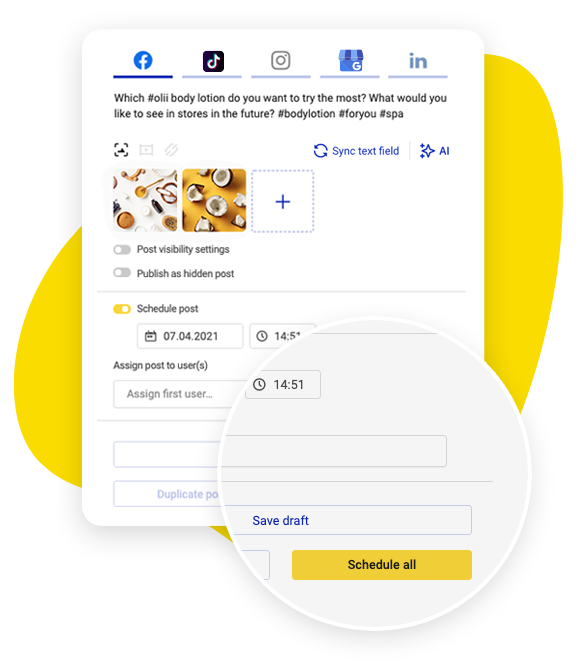
Set posts to go out on days you’re nowhere near a desk
Line up posts for the evenings, the weekend, the week you’re away, and the videos go out without you opening anything. TikTok’s own scheduler reaches 10 days ahead, for the account you’re signed into.
Here you can plan further out and across every account you run, and queue up as many posts as you want – no plan caps how many you schedule.
Set who can comment, duet or stitch before you post
At the moment you schedule the video, decide whether people can comment, duet or stitch – and the settings travel with it. They’re part of the post rather than something you go back and change once it’s live and the replies have already turned nasty.
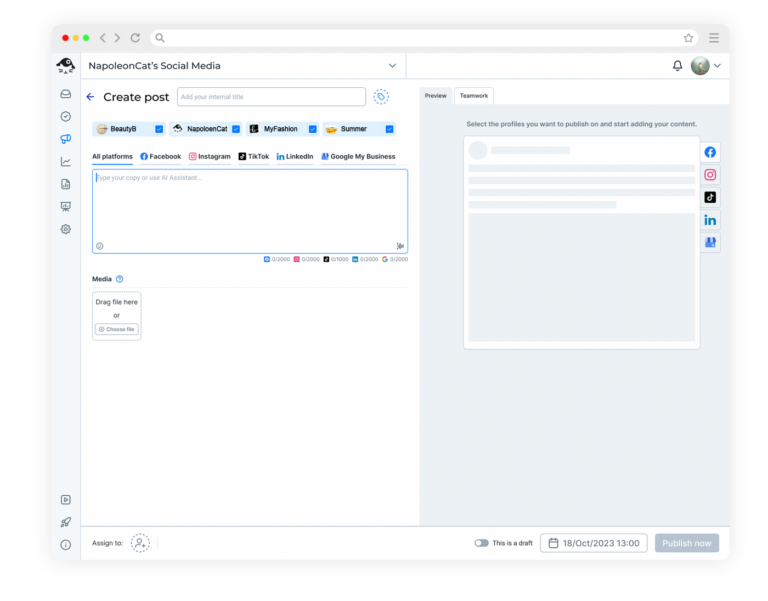
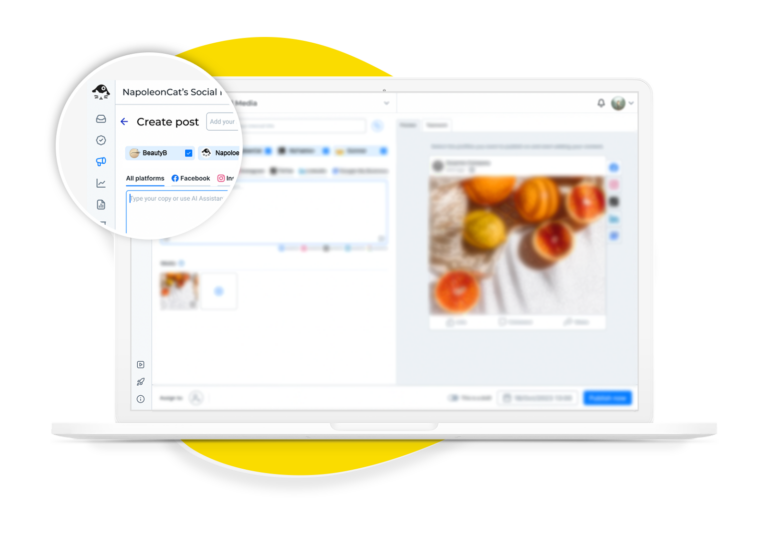
Several TikTok accounts, one posting schedule
Running three accounts means switching between them and uploading the same file three times, with no single view of what goes out where. Connect them all and schedule across them from one screen, with every video labeled by the account it belongs to.
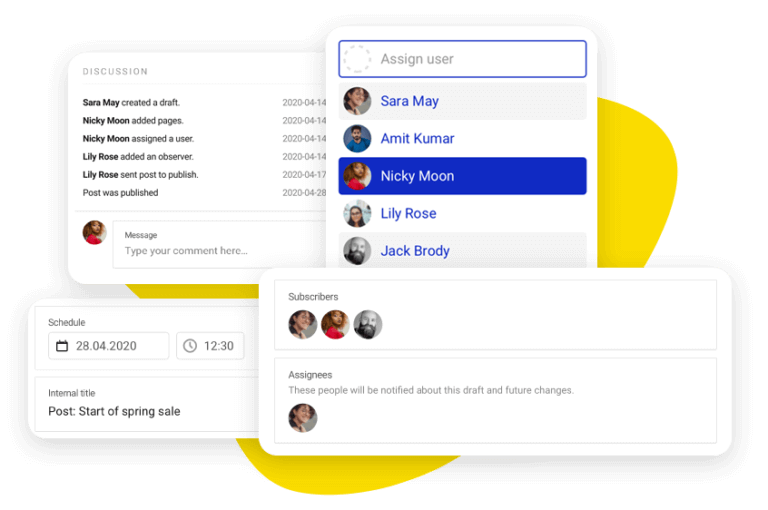
Your teammate watches the full video and approves it
A thumbnail tells you nothing about what happens at second fourteen. Assign the draft and your reviewer plays the whole video, checks the comment and duet settings you chose, and approves it on the post. Months later you can still see who cleared it.
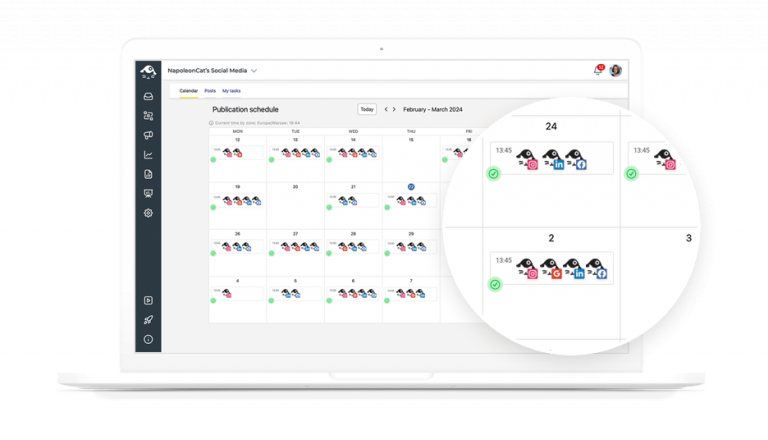
Every video you have lined up, in one place
The content calendar shows what’s scheduled across every account you’ve connected, labeled and tagged however you like, and your Instagram and Facebook posts sit on it too.
Two weeks of video ready on one account and nothing at all on another is the kind of thing you’ll only spot if you can see them side by side.
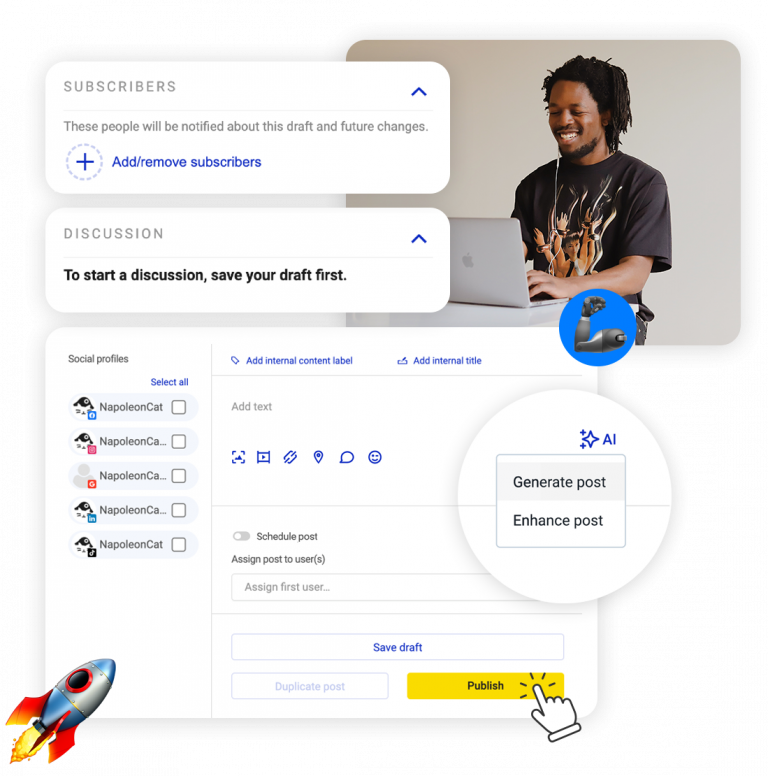
Let AI suggest the hashtags, you pick them
On TikTok the hashtags are part of how a video gets found, and they’re the bit people leave to the last minute. Give the AI Assistant the subject and it suggests a set of hashtags to go under the caption.
The AI won’t publish anything by itself – you choose what stays. Ten AI actions a month come with your plan; unlimited is a paid add-on.
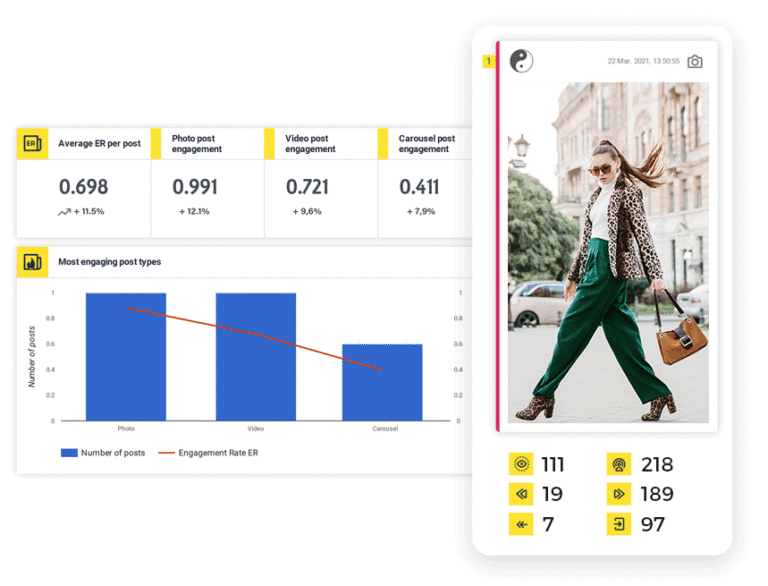
Spam hidden before you have read it
TikTok comments move fast and they don’t wait for office hours.
They arrive in the Social Inbox with everything else, and Auto-moderation can hide spam, reply to the questions you keep getting, and tag the hateful ones for you.
One limit worth stating plainly: on TikTok a rule can hide a comment, reply to it or heart it, but it cannot delete the comment.
That’s a limit in TikTok’s own API, not in the rule you wrote. Comments under your TikTok ads are moderated the same way, so paid views don’t arrive with unpaid cleanup.
Every TikTok account on one posting calendar




Here’s why our clients love NapoleonCat
Join the teams running several TikTok accounts off one calendar.

NapoleonCat saves up to one-third of a full-time position. That’s time we would otherwise spend manually moderating thousands of comments each month using the Meta Business Suite, profile by profile and comment by comment. Time we can now use for growth. NapoleonCat is the best tool of its kind on the market, and it’s still constantly evolving and improving by introducing new AI features.

It’s hard to imagine our work without a tool that includes so many valuable features. It won’t be an overstatement when I say that NapoleonCat saves us multiple full-time positions that would be dedicated to just moderating comments or manually generating reports.

NapoleonCat gives us the full picture of social media interactions. It’s easier to pick up urgent threads that need taking immediate action. And with conversation history, it’s much easier to continue the work of another team member while they’re out of office.

We work with multiple clients, and with NapoleonCat, we don’t waste time switching between multiple software tools. We can also deliver reliable data from a single source. We tested other social media moderation and analytics tools before, but none of them lived up to what NapoleonCat delivers. They’re the best, and I personally love using the tool. 🙂

NapoleonCat is now an indispensable tool that we use for moderation and analytical purposes, as well as content publishing. We’re curious to see new capabilities of the tool and test its new uses, for example, to moderate TikTok ad comments, as we predict this social media channel to become more and more important for our clients.

It’s the first social media engagement tool we have ever tried that is truly intuitive and that makes it easy for us to include the clients in the process. The service and support is great and personal. And the value for money is great!

We were looking for a tool that would allow us to consolidate and manage comments and private messages from Messenger in one place. Analytics and reports were also very important to us, as they would show us the level of our social media customer service. That’s why, in 2017, we decided to choose NapoleonCat.
See how NapoleonCat compares to its alternatives:
| Feature | NapoleonCat | Hootsuite | Sprout Social | Agorapulse |
|---|---|---|---|---|
| Scheduling to Facebook, Instagram, TikTok, LinkedIn and Google Business Profile | ✅ All five, one composer | ✅ Full publishing | ✅ Publishing queue | ✅ Full publishing |
| AI that writes and improves the post copy | ✅ In the composer, with tone of voice | ✅ OwlyWriter | ✅ AI Assist | ⚠️ Limited |
| Assigning posts and leaving feedback on a draft | ✅ Comments on the post itself | ✅ Teams, assignments | ✅ Tags, workflows | ✅ Collaboration |
| Automatic comment moderation (hide or delete) | ✅ Organic and ads, 24/7 (hide and reply on TikTok) | ⚠️ Rules for ads, no AI | ⚠️ Manual, no auto-delete | ⚠️ Basic |
| AI spam and hate detection on comments | ✅ Tags spam, hate and sentiment | ❌ Not offered | ⚠️ Sentiment only | ❌ Not offered |
| Ad comment moderation on Facebook, Instagram and TikTok | ✅ Full, all three networks | ⚠️ Basic rules for ads | ❌ Not offered | ⚠️ Partial |
| Moderation reports: what was hidden, replied to and deleted | ✅ Per profile and per team member | ⚠️ Limited rule logs | ⚠️ Alerts | ⚠️ Limited |
| Social CRM with cross-platform conversation history | ✅ Full profile and history | ⚠️ Limited | ⚠️ CRM-like | ⚠️ Limited |
| EU-based company and EU servers | ✅ EU company, EU servers | ❌ Global, USA-centric | ❌ Global, USA | ✅ EU (France) |
| Free trial | ✅ 14 days, no credit card | ✅ 30 days | ✅ 30 days | ✅ 30 days |
Frequently asked questions
Can you schedule TikTok posts from a computer?
Yes. Upload the video, write the caption, choose the date and time, and the video publishes itself. TikTok’s own scheduler reaches 10 days ahead and handles one account; here you can go further out, and across all the accounts you run.
Can I schedule for several TikTok accounts at once?
Yes. Connect all of them and schedule across them from one screen, with every video labeled by the account it belongs to. TikTok’s own app shows you one account at a time, and that’s the part that wears thin.
Can I set comments, duets and stitches when I schedule?
You can, at the moment you schedule the video rather than afterwards. Decide whether people can comment, duet and stitch, and the settings travel with the post.
Can my team review a TikTok before it publishes?
Yes. Save it as a draft, assign it to a colleague, and they can watch the video and leave their notes on the draft itself. Video is the worst format to fix after the fact, so this is the review step that earns its keep.
Can NapoleonCat help with TikTok comments too?
It can. TikTok comments arrive in the Social Inbox with everything else, and auto-moderation can hide spam, reply to the questions you keep getting, and tag the hateful ones. One limit worth stating plainly: on TikTok a rule can hide a comment, reply to it and heart it, but it cannot delete it.
How much does it cost?
You can try the whole thing free for 14 days, no credit card. Paid plans start at $89 a month billed monthly, or $79 a month billed annually, for 2 users and 5 social profiles, and scheduling is unlimited on every plan. What the plan sets is how many users and social profiles you get, not how many posts you line up. That entry plan covers publishing, analytics and reports. The Social Inbox, where the comments and messages land, starts on Pro at $109 a month, and automatic replies and automatic comment hiding are on Expert, from $139 a month.
Every TikTok account on one posting calendar
Free 14-day trial: full access, zero commitment.
No credit card required