
Looking for a Google review management tool for all your business locations? Try NapoleonCat and moderate and reply to all Google reviews in one dashboard, with team collaboration tools and review history for all your customers.
Google Review Management Tool
Trusted by:

Use NapoleonCat with








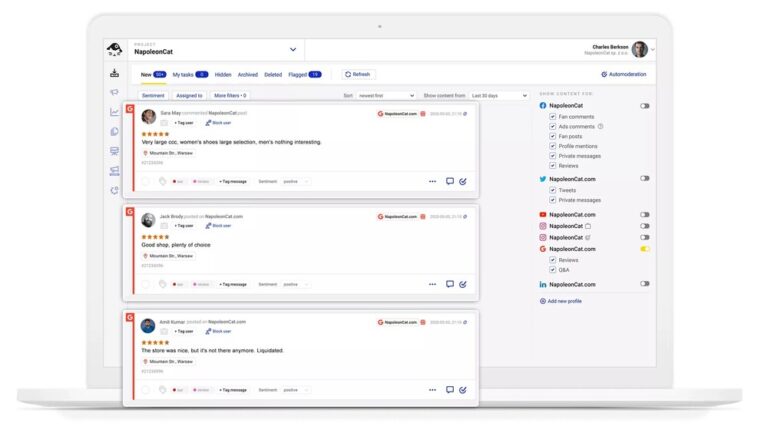
Social inbox: Manage all Google reviews from one unified dashboard
No more jumping between locations in Google Maps (the horror! ☠️). NapoleonCat’s Social Inbox is your complete Google review management software. It will gather all your Google reviews in one place, along with comments from your other profiles on social media, like Instagram or TikTok. And you can also reply straight from the Inbox for some of that customer trust-building.
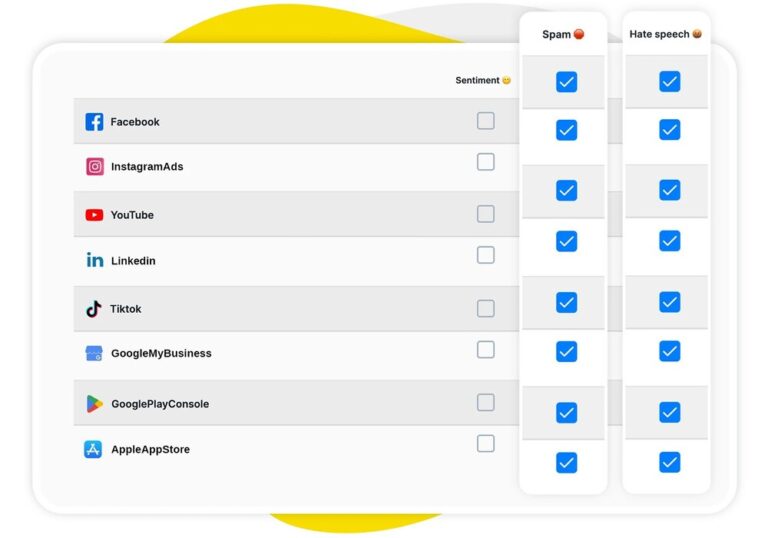
AI assistant: Get smart suggestions for responding to every review
The AI Assistant in the Social Inbox automatically detects review sentiment, so you can easily prioritize your responses. It will also flag any reviews it deems spam or hate speech, making Google review management a breeze.
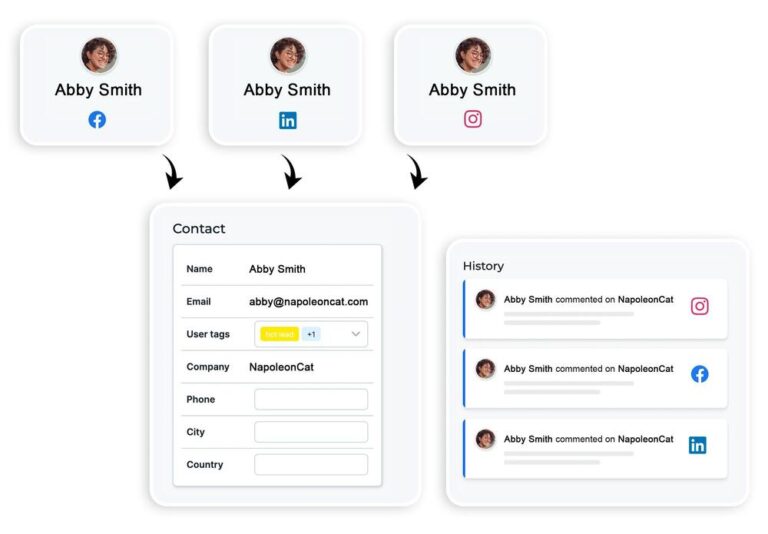
Social CRM: Track customer relationships and review history in one place
The Social CRM in NapoleonCat keeps all review history for your individual customers in one place. You can add tags like “loyal customer” or “troll” to instantly know who you’re dealing with, and anyone currently on call replying to reviews has access to all the information they need to provide helpful, relevant responses.
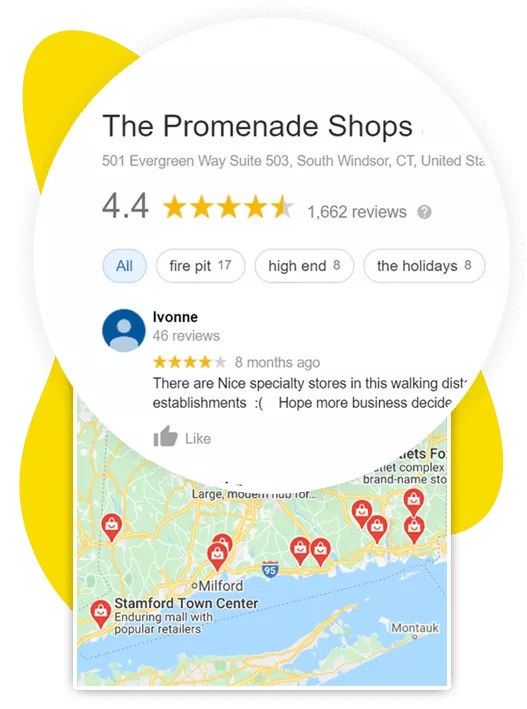
Centralized responses: Reply to reviews across all locations instantly
With all reviews in one place across all your Google locations, you can view them chronologically, filter, prioritize, and respond right from the Inbox. And any team member with access to the Social Inbox can instantly see the review queue and current review status.
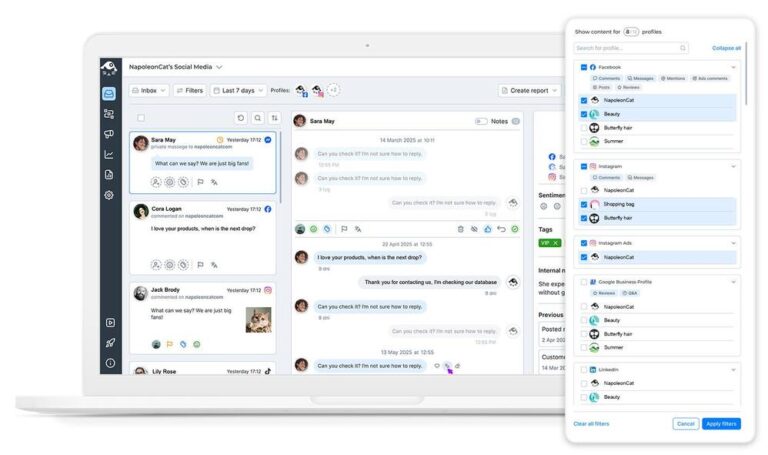
Review monitoring: Never miss a customer review again
Get instantly notified about incoming reviews from all your locations. With NapoleonCat’s Social Inbox, there’s basically no way you can miss a review and leave it without a reply just because someone forgot to check one of the locations.
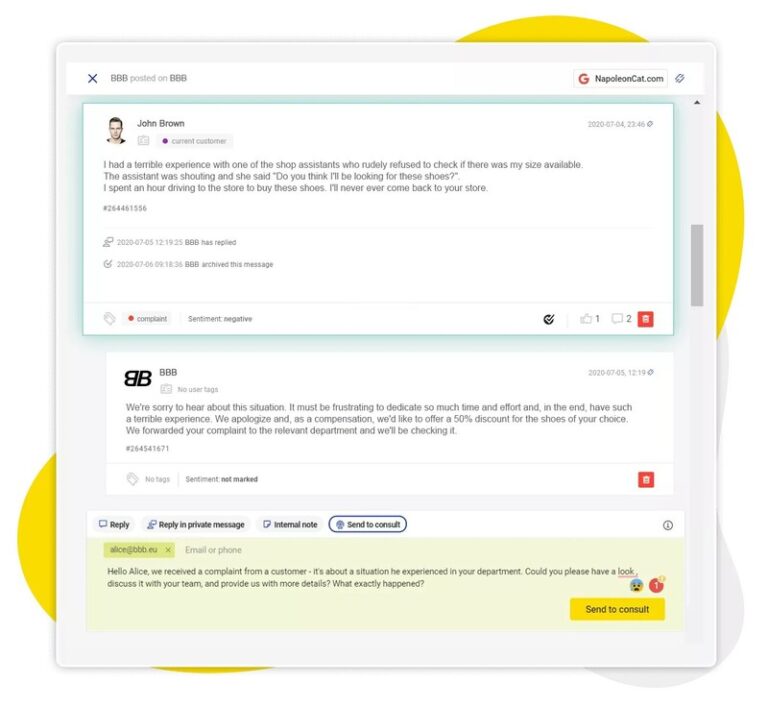
Team collaboration: Assign and manage review responses efficiently
The Social Inbox lets you turn each review into a customer service ticket and assign it to individual team members who can answer them. Add internal comments for your team if there’s anything important they need to know. You can even send an email to the client or another department if you need to consult somebody else before replying.
Google review management can be much more efficient




Here’s why our clients love NapoleonCat:
Join businesses that save hours every week with social media automation.

NapoleonCat saves up to one-third of a full-time position. That’s time we would otherwise spend manually moderating thousands of comments each month using the Meta Business Suite, profile by profile and comment by comment. Time we can now use for growth.
NapoleonCat is the best tool of its kind on the market, and it’s still constantly evolving and improving by introducing new features. I was one of the first clients to test their AI features, and I’m really looking forward to what’s coming next, particularly in the AI department.

It’s hard to imagine our work without a tool that includes so many valuable features. It won’t be an overstatement when I say that NapoleonCat saves us multiple full-time positions that would be dedicated to just moderating comments or manually generating reports.

NapoleonCat gives us the full picture of social media interactions. It’s easier to pick up urgent threads that need taking immediate action. And with conversation history, it’s much easier to continue the work of another team member while they’re out of office.

We work with multiple clients, and with NapoleonCat, we don’t waste time switching between multiple software tools. We can also deliver reliable data from a single source. We tested other social media moderation and analytics tools before, but none of them lived up to what NapoleonCat delivers. They’re the best, and I personally love using the tool. 🙂

NapoleonCat is now an indispensable tool that we use for moderation and analytical purposes, as well as content publishing. We’re curious to see new capabilities of the tool and test its new uses, for example, to moderate TikTok ad comments, as we predict this social media channel to become more and more important for our clients.

It’s the first social media engagement tool we have ever tried that is truly intuitive and that makes it easy for us to include the clients in the process. The service and support is great and personal. And the value for money is great!

We were looking for a tool that would allow us to consolidate and manage comments and private messages from Messenger in one place. Analytics and reports were also very important to us, as they would show us the level of our social media customer service. That’s why, in 2017, we decided to choose NapoleonCat.

NapoleonCat answers our needs. The consolidation of such a large number of stores and comments in one view is an incredibly helpful solution. We are given a bird’s eye view of the entire organization and the ability to spot both our strong points and areas which are still in need of improvement. We can more easily verify the procedures we have put in place (e.g. handling of complaints), assess how individual locations are performing, and monitor the shopping experience of our clients.
It is worth noting that a significant part of the reviews is positive comments, which provide our employees with added motivation. It is no secret that being a salesperson is not easy, so we want these positive opinions to reach our employees as fast as possible. Everyone likes to be appreciated. Recognition gives extra motivation.